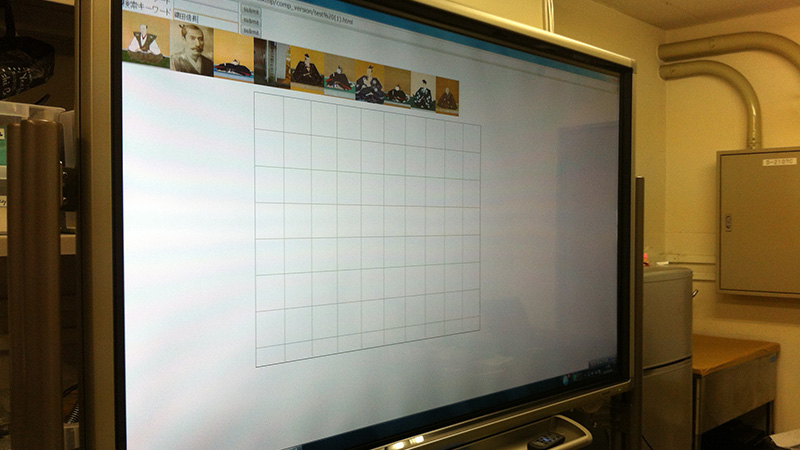
In classes that use an electronic whiteboard, adding photographs and illustrations to handwritten notes can make the explanation more intuitive. To do this, however, teachers need to prepare images in advance and select from those prepared images while writing on the board. Interviews and discussions with teachers suggested that this preparation can be burdensome, and that existing applications are not always easy to use in the classroom.
In this research, we developed an electronic whiteboard system that recognizes written content and automatically searches for and presents related images. The system displays image candidates by using recognized words as search keywords, and teachers can add a selected image to the board simply by dragging and dropping it. This makes it possible to incorporate photographs and illustrations into board writing with little additional effort during class, without substantially changing the conventional style of writing on the board.
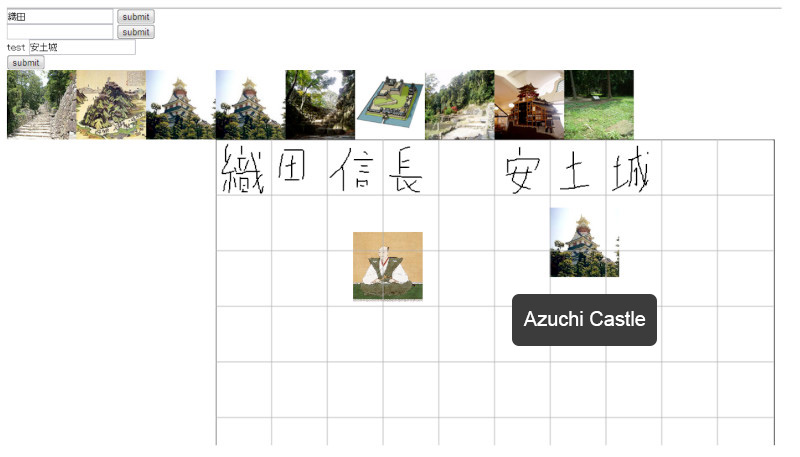
An image selected from the candidates displayed after writing “Azuchi Castle” on the board
The proposed system was implemented as a JavaScript application running on Google Chrome, using a SHARP BIG PAD 60V as the electronic whiteboard.